Getting Started with the TEA2017DK1002 Evaluation Board
このドキュメントの内容
-
Get Started
-
Get Hardware
-
Configure Hardware
サインイン 進行状況を保存するには アカウントをお持ちでない方 アカウントを作成する。
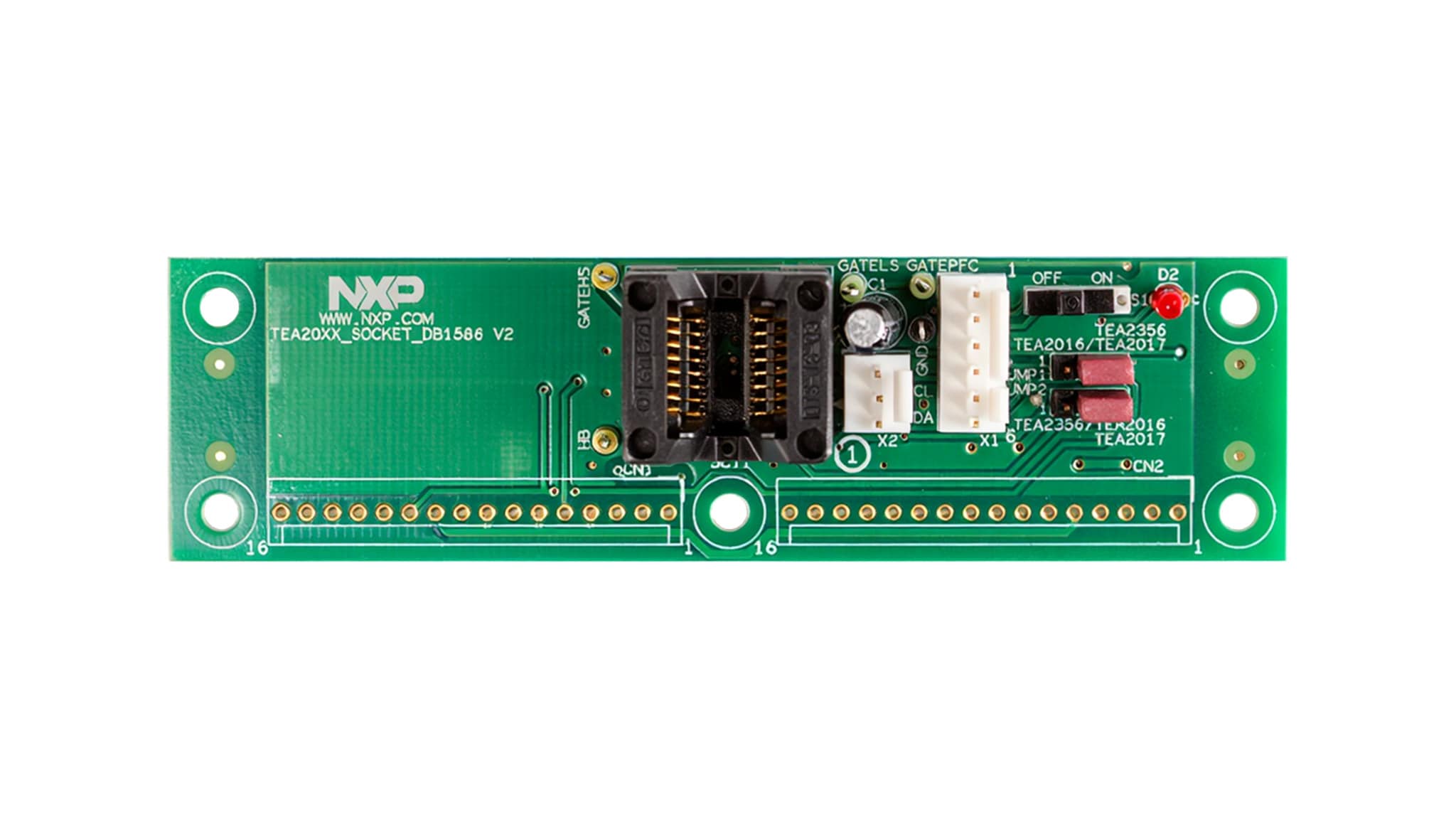
お客様の TEA2017AAT Development Programming Board and Samples
1. Get Started
The NXP analog product development boards provide an easy-to-use platform for evaluating NXP products. The boards support a range of analog, mixed-signal and power solutions. They incorporate monolithic integrated circuits and system-in-package devices that use proven high-volume technology. NXP products offer longer battery life, a smaller form factor, reduced component counts, lower cost, and improved performance in powering state-of-the-art systems.
This page will guide you through the process of setting up and using the TEA2017DK1002 programming board.
1.1 Kit contents / packing list
The contents of the TEA2017DK1002 kit are:
- TEA20xx_SOCKET_DB1586 programming board
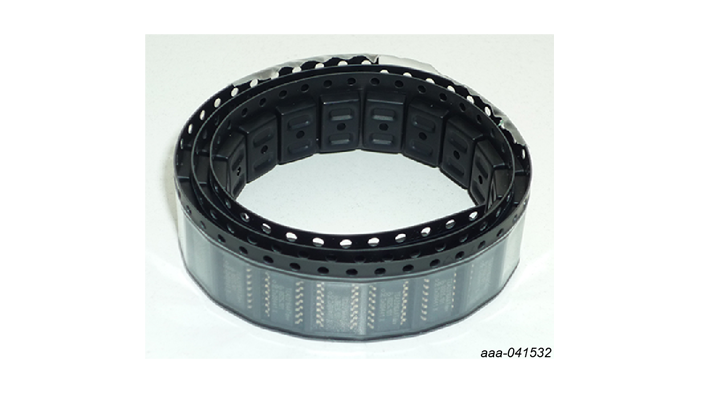
- 20 IC’s TEA2017AATdev
1.2 Additional Hardware
In addition to the kit contents, the following hardware is necessary or beneficial when working with this kit.
2. Get Hardware
2.1 Board Features
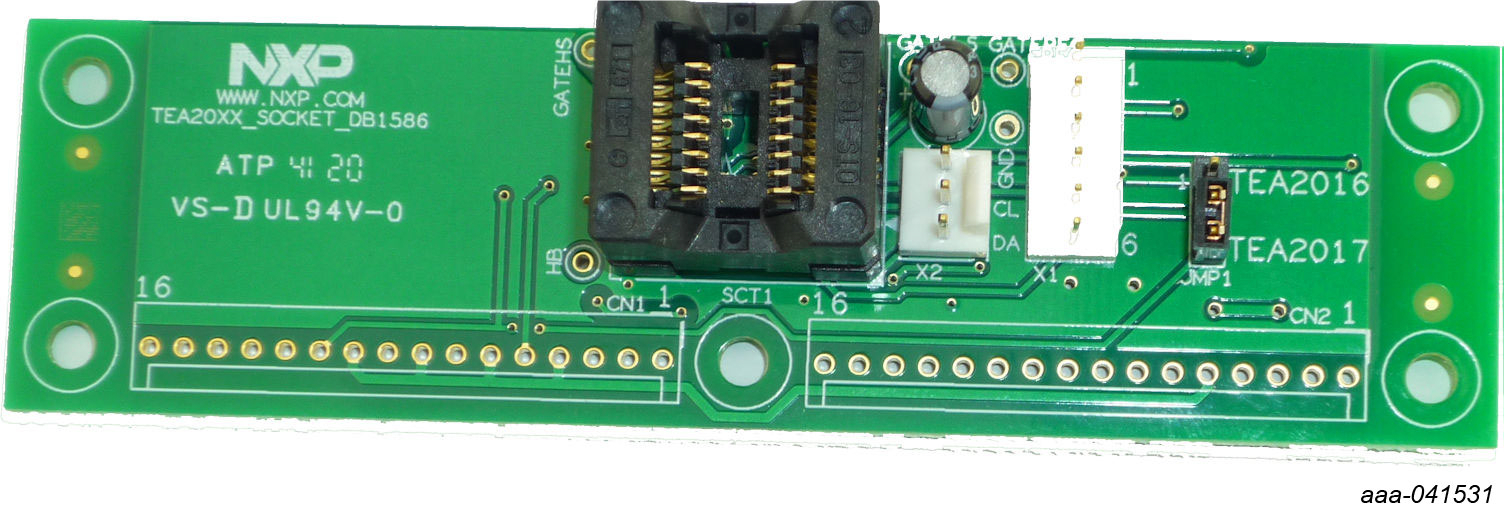
This board can be used for programming small series of TEA2017 and/or TEA2016 samples. Place the jumper on the board in the position that corresponds with the IC to be programmed. By connecting both the 3-pin and 6-pin connector to the USB-I²C programming interface, regular production samples and development samples can be programmed after selecting the correct channel with the switch on the USB-I²C interface.
2.2 Board Description
The TEA2017AAT digital architecture is based on a high-speed configurable hardware state machine ensuring very reliable real-time performance.
Several parameters can easily be configured during evaluation with use of the Graphical User Interface (GUI):
- Operating frequencies to be outside the audible area at all operating modes
- Soft start and soft stop in burst mode, reducing the audible noise
- Accurate transition levels between operation modes (high-power mode/low-power mode/burst mode)
- Enabling/disabling the lower power mode
TEA2017AAT samples can be easily programmed using the TEA20xx_SOCKET_DB1586 board in connection with the TEA2016DB1514v2 demo kit and the GUI.
2.3 Board Components
TEA2017 Programming board (SO16 socket)
3. Configure Hardware
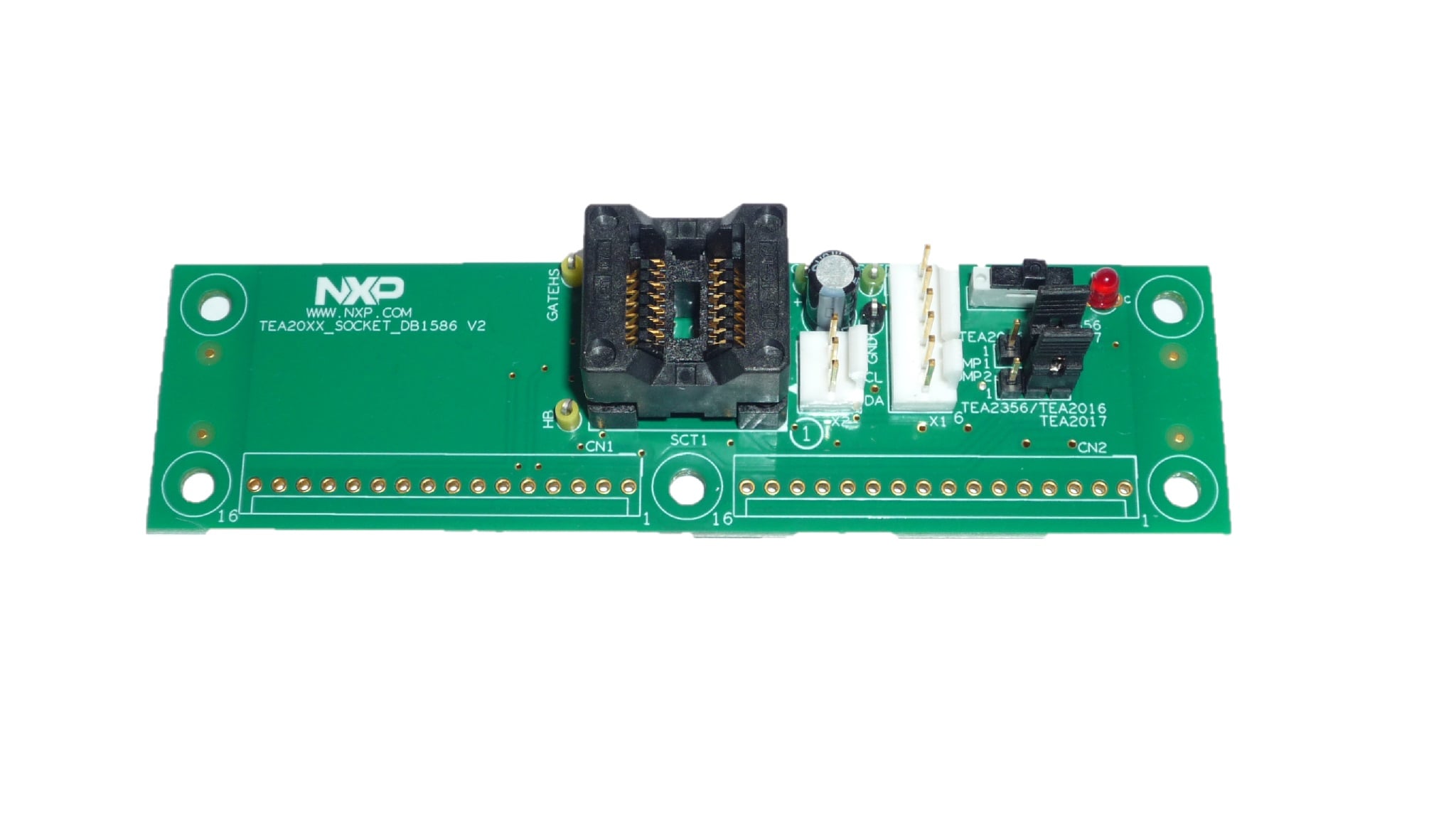
Both TEA2017AAT and TEA2017AATdev samples can be programmed by means of the TEA20xx_Socket_DB1586 board + I²C interface (RDK01DB1563). The selector switch on the I²C interface must be set in the right position prior to programming TEA2017AAT or TEA2017AATdev samples. The TEA20xx_Socket_DB1586 board also contains a jumper to enable programming of TEA2016 samples.
Design Resources
Support
Forums
Connect with other engineers and get expert advice on designing with the TEA2017DK1002 on one of our community sites.