AIを使用して5つのプロンプトでSimulinkからNXP ハードウェアへ
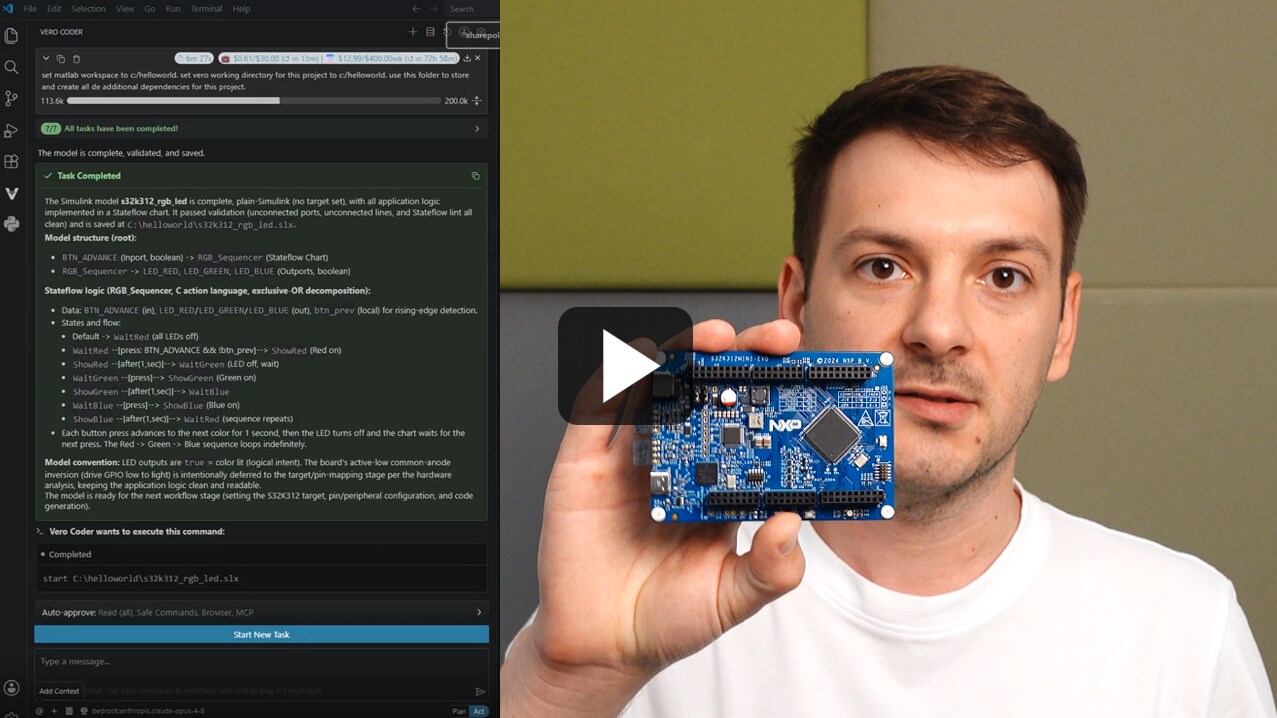
AIを使用して、S32ハードウェアでRGB LEDアプリケーションをモデル化、生成、展開、および適応させます。

アイデアの発掘から展開まで、MCUやMPUを使用した設計のためのNXPの実績と信頼性を備えたツールをエージェント型AIワークフローに接続できるようになりました。AI対応ドキュメントによる調査や計画、エージェント統合型IDEによる開発、自動化されたテスト・フローによる最適化を経て、エッジAIを自信を持って展開できます。
すべてを確認して、ワークフローに適したツールを見つけてください。
質問し、NXPのドキュメントを探索して、エージェント型開発アプローチを計画しましょう。
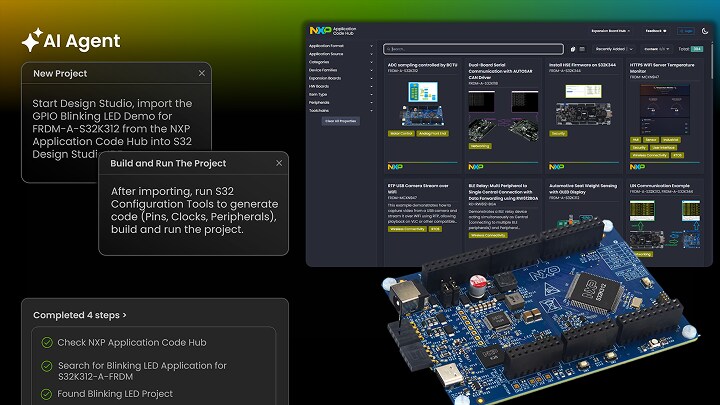
AI統合型IDEとすぐに使用できるサンプル・プロジェクトを利用して、よりスマートなコードを作成できます。
エージェント型の自動化とデータの可視化を使用して、設計を調整および展開できます。
AIを使用して、S32ハードウェアでRGB LEDアプリケーションをモデル化、生成、展開、および適応させます。
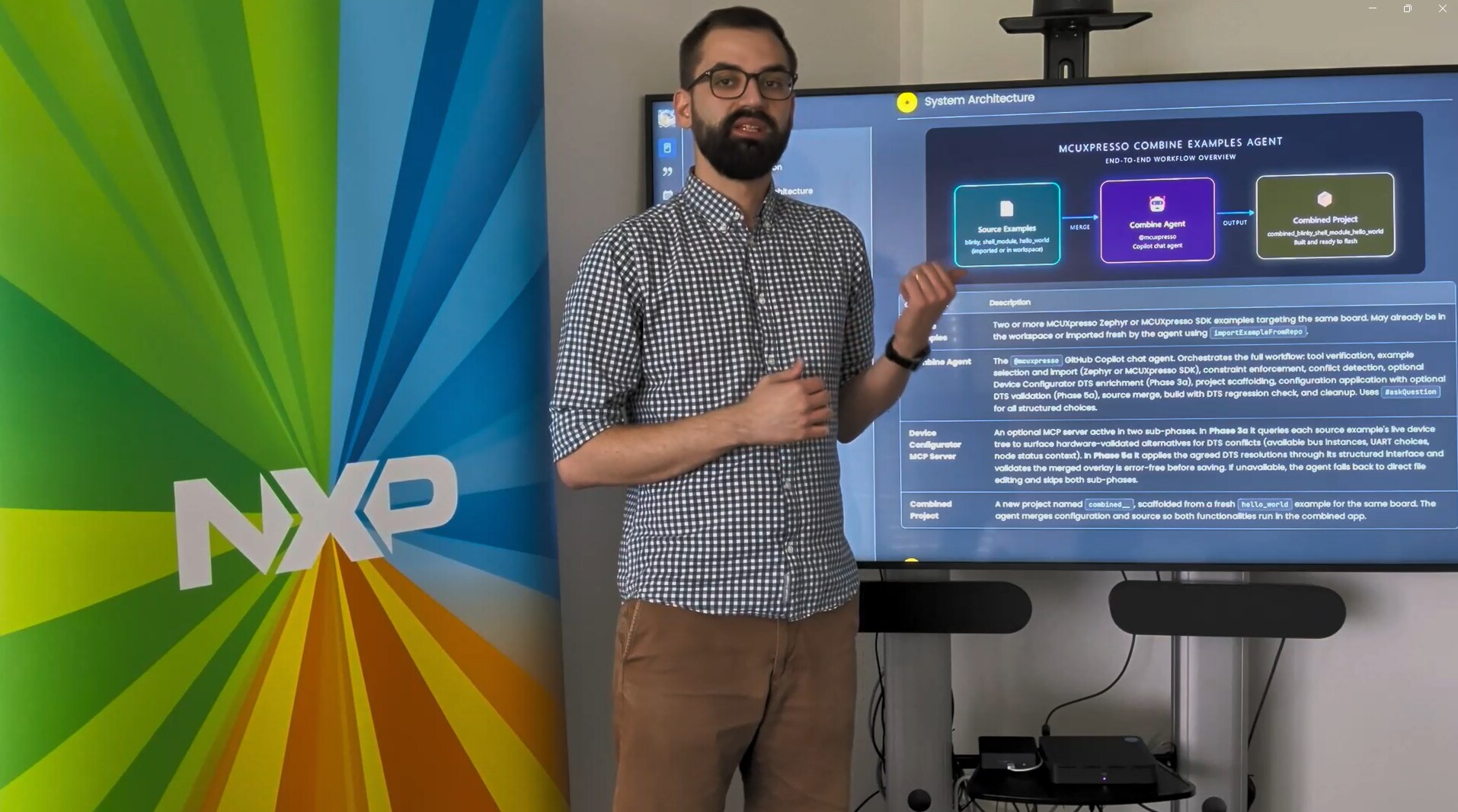
MCUXpressoまたはZephyrのサンプルを、AIの支援を活用して1つのアプリケーションに統合します。
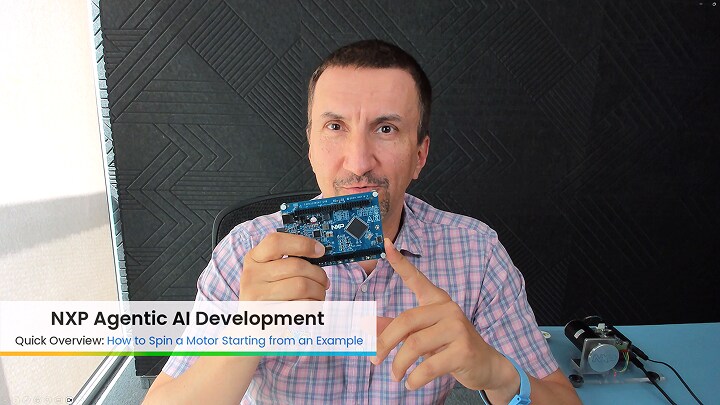
このチュートリアルでは、サンプルをベースにモーターを回転させる方法を説明しています。
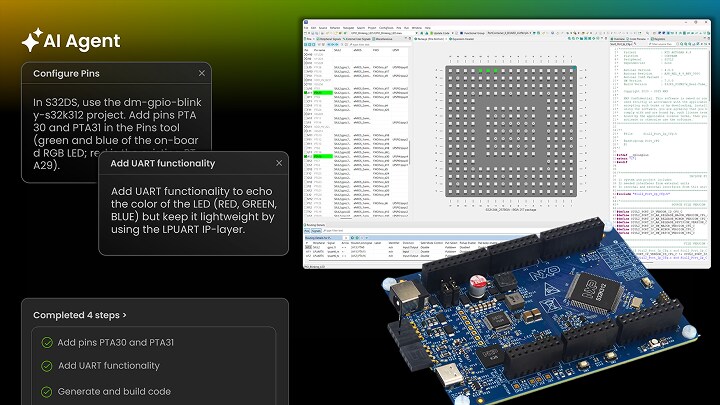
AIを使用して、UART通信とRGB LEDシーケンスをデモ・プロジェクトに追加します。
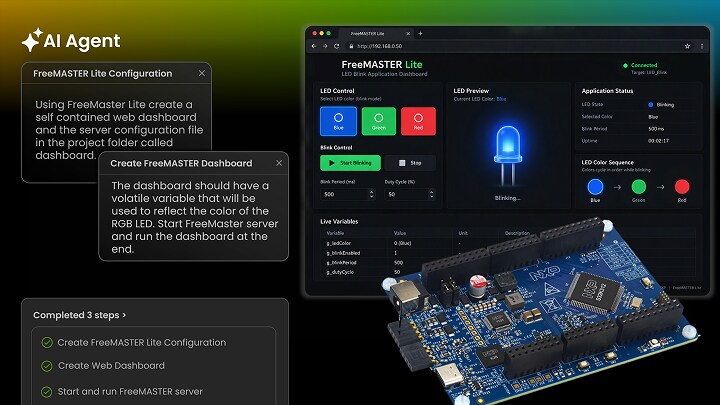
FreeMASTER Liteを追加し、ブラウザ・ダッシュボードを構築して、LEDの色の変化を監視します。
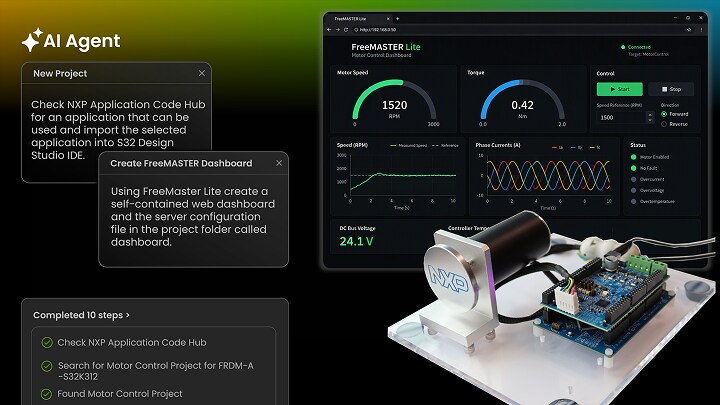
AIを使用して、FRDM-A-S32K312でモーター制御ダッシュボードを構築、フラッシュ、監視します。
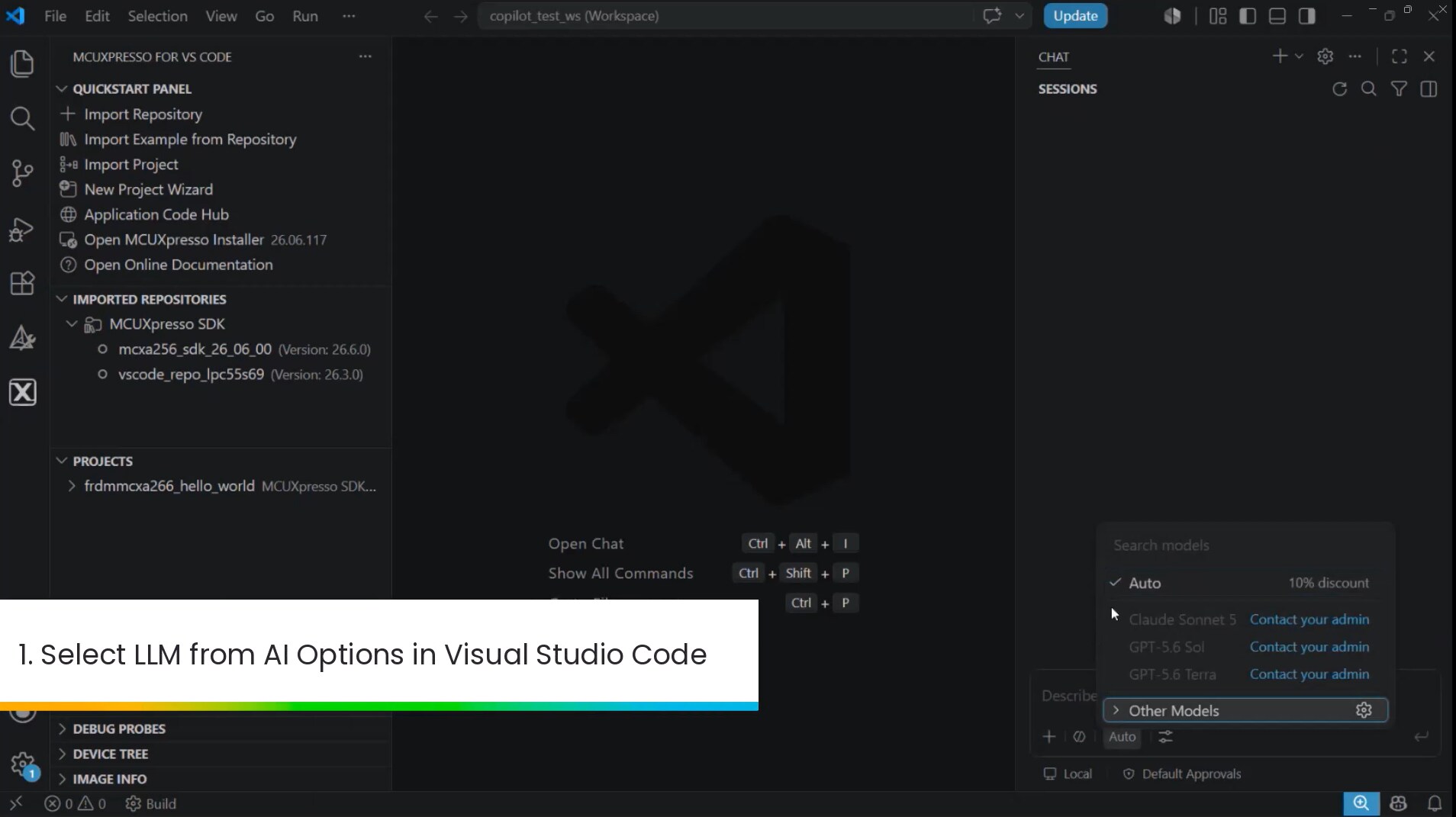
VS CodeのCopilotを活用して、NXPボード向けのスタンドアロンSDKプロジェクトを作成およびインポートします。
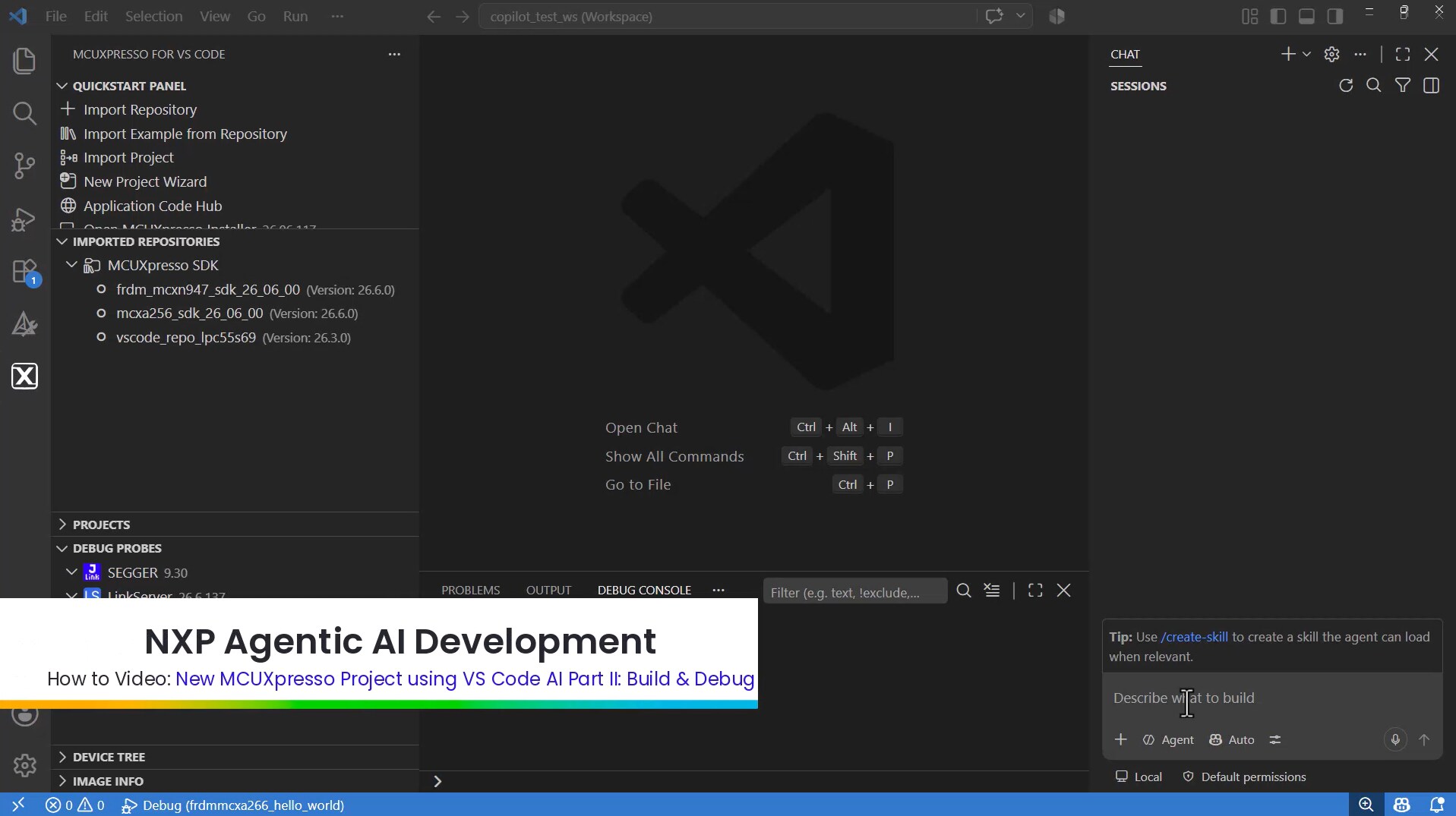
Copilotを使用してFreeRTOS Hello Worldプロジェクトのビルド、デバッグ、メモリ使用量の分析を実行します。
Traditional embedded development required user interaction to drive software and configuration tools. Agentic AI permits an agent powered by an LLM to interact with development tools. The user can restrict the autonomy of the agent but allow the agent to work directly with the tools.
No, NXP has updated the S32 Design Studio and MCUXpresso for VS Code IDEs to support Agentic AI.
An overview, video and examples are provided within the Getting Started guide.
Agentic AI development currently supports NXP devices and workflows enabled through MCUXpresso for VS Code and S32 Design Studio. Supported tools include MCUXpresso for VS Code, S32 Design Studio, FreeMASTER and LinkServer. The feature is currently available as an experimental beta, with additional device and tool support planned for future releases.
エージェント型AI開発エクスペリエンスの向上を目的とした簡単なアンケートにご協力ください。