Set up MFA with an Authenticator App
-
Install the authenticator app
You need one of the following apps installed on your phone:
- Microsoft Authenticator (recommended)
- Google Authenticator
-
Find the QR code
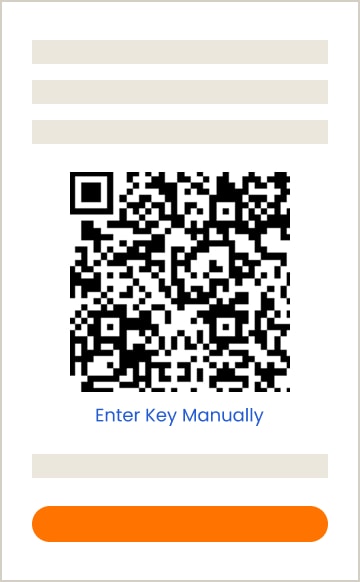
On your computer, identify the QR code on your screen. Keep this page open.
-
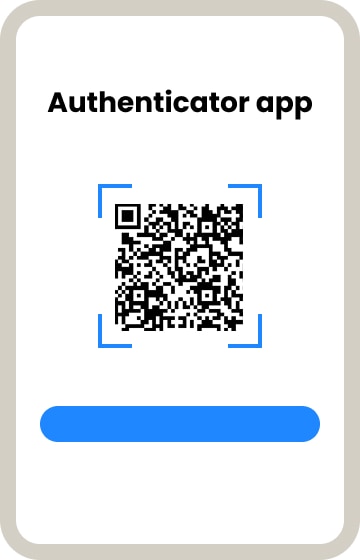
Scan the QR code using the app
- Open the mobile app
- Tap the “+” icon
- Choose “Work or school account” (Microsoft) or “Scan a QR code” (Google)
- Use your phone to scan the QR code shown on your computer screen. It's only needed during setup — you won't have to scan it again once MFA is turned on.
Once installed, use the app to scan the code — not your phone's regular camera.
Add the account manually
- In the authenticator app, tap the “+” icon
- Choose "Enter code manually" (Microsoft) or "Enter a setup key" (Google)
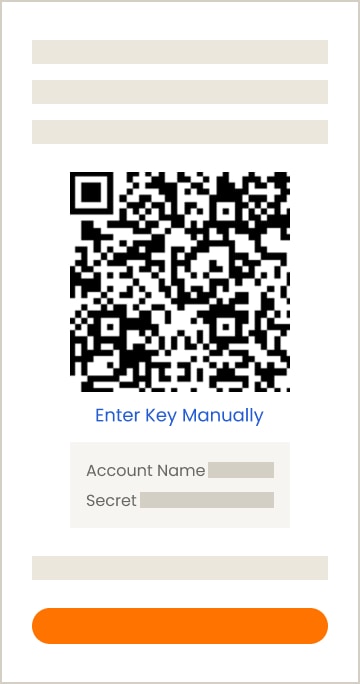
- On your computer, look below the QR code and select "Enter Key Manually".
This will display the account name and secret key - In the app, enter the account name and the secret key
- Choose "Time-based" or "TOTP" if prompted
- Tap Add
-
Confirm your account was added
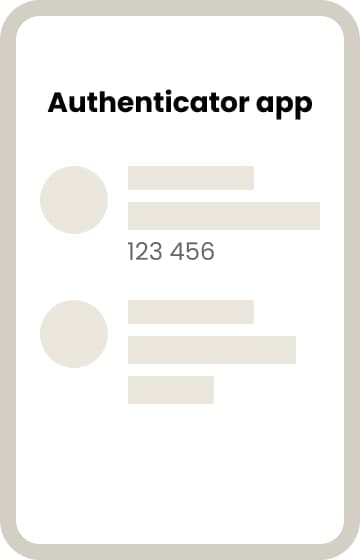
- You will see your account with your email or organization name
- A 6-digit code will appear. It changes every 30 seconds
-
Enter the code to complete your setup
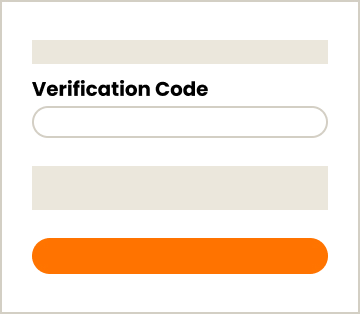
- Return to the code page on your computer and click Continue
- Enter the 6-digit code before it expires (valid for 30 seconds)
- Click Verify
- Sign in again to start using your account securely
MFA is on — you're all set! Next time you sign in, just enter the code from your authentiaction app.